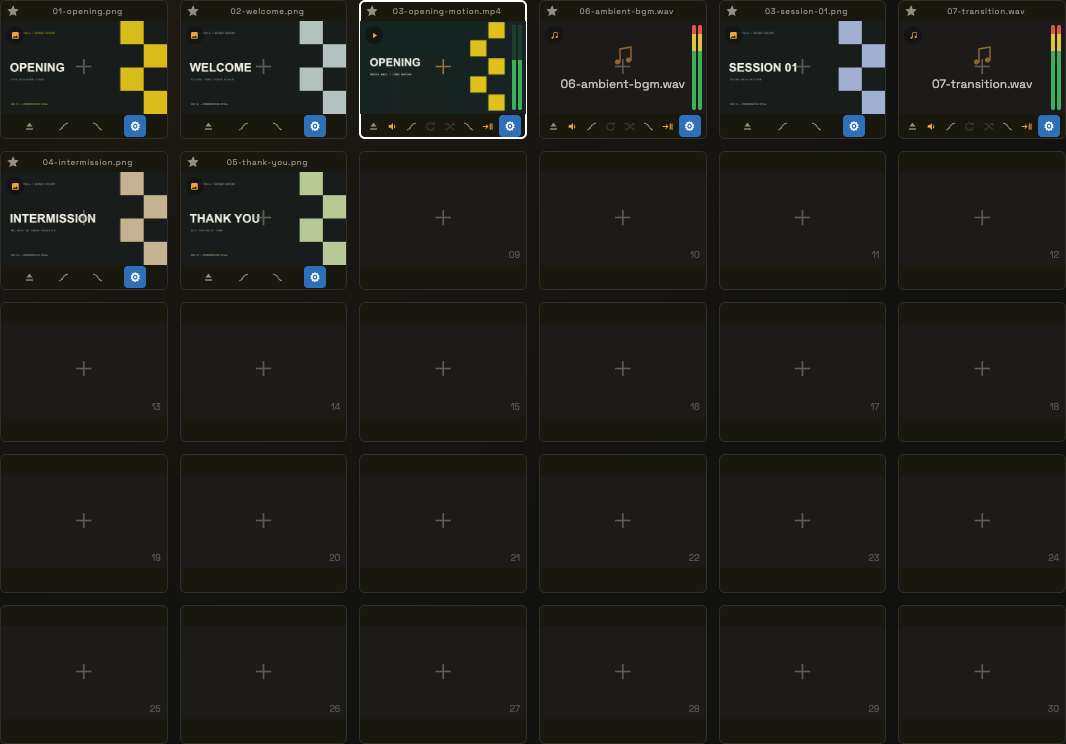
Prepare your media together.
Drop multiple files into the grid at once. Arrange them in show order and use tile colors to find the right cue. PDFs become individual page tiles.
 MEDIA WALL / LIVE PLAYBACK
Built by a working video operator, for live event work.
Video, audio, images, and PDFs.
Together in one playback workspace.
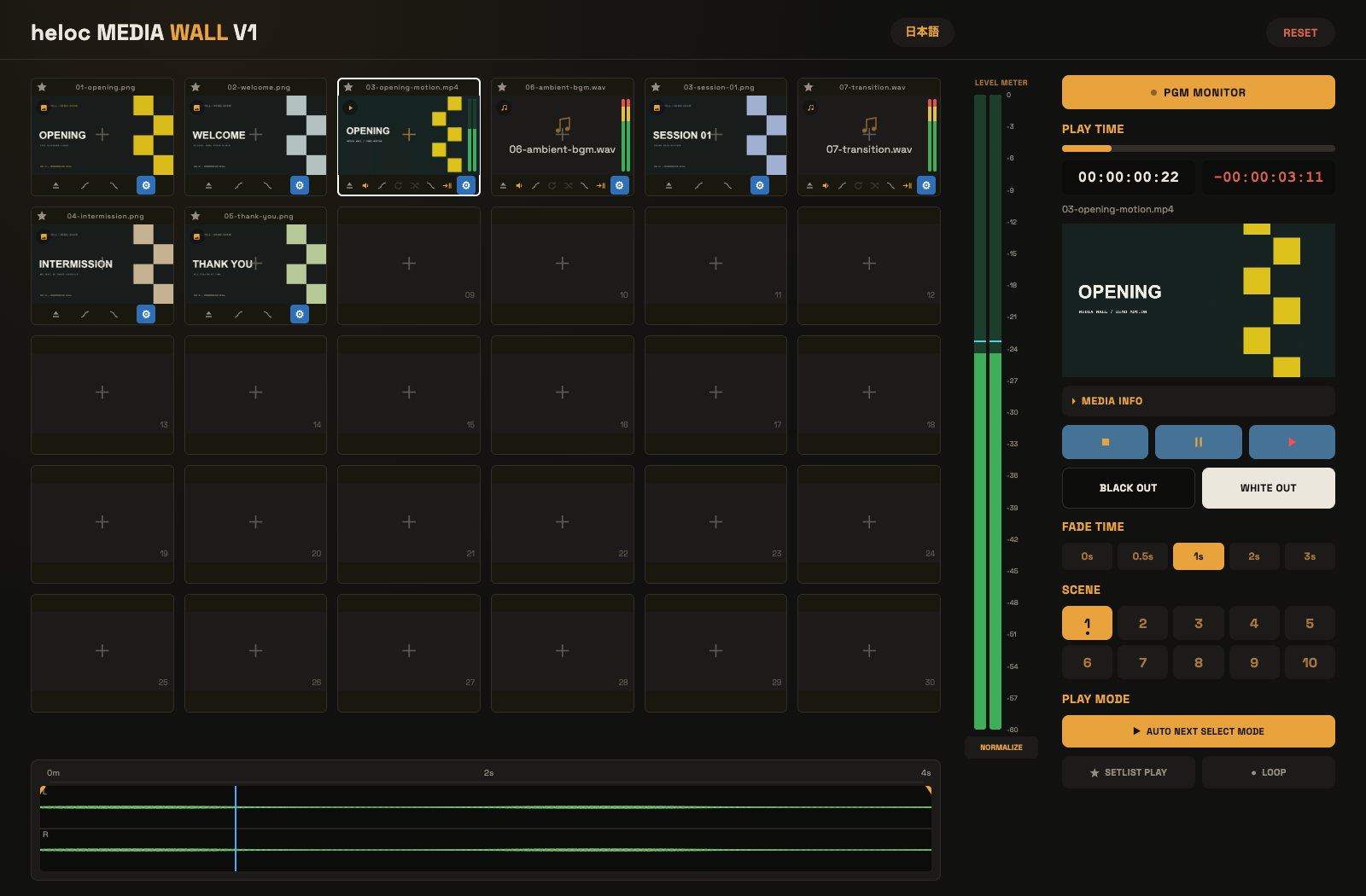 View actual screen ↗
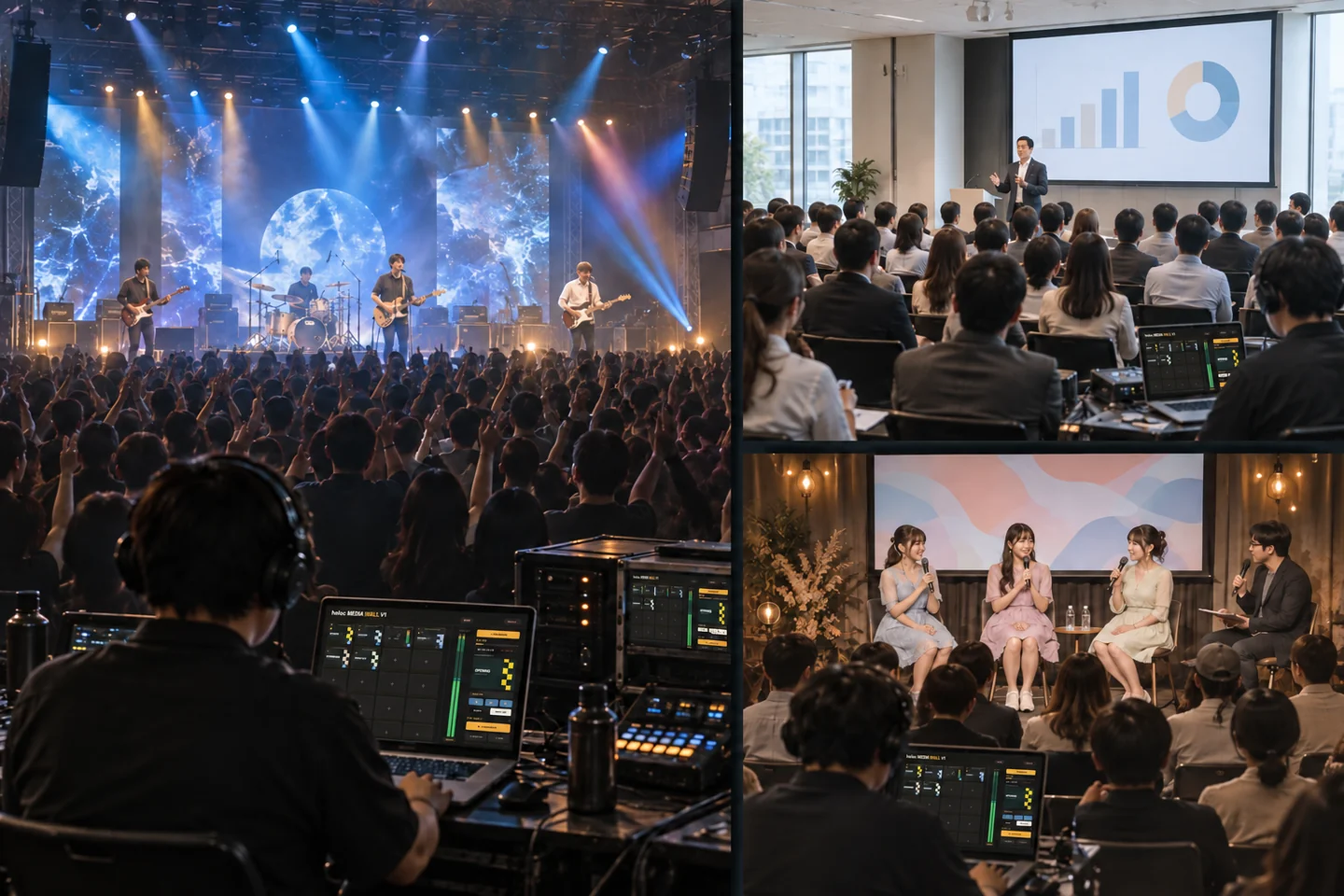
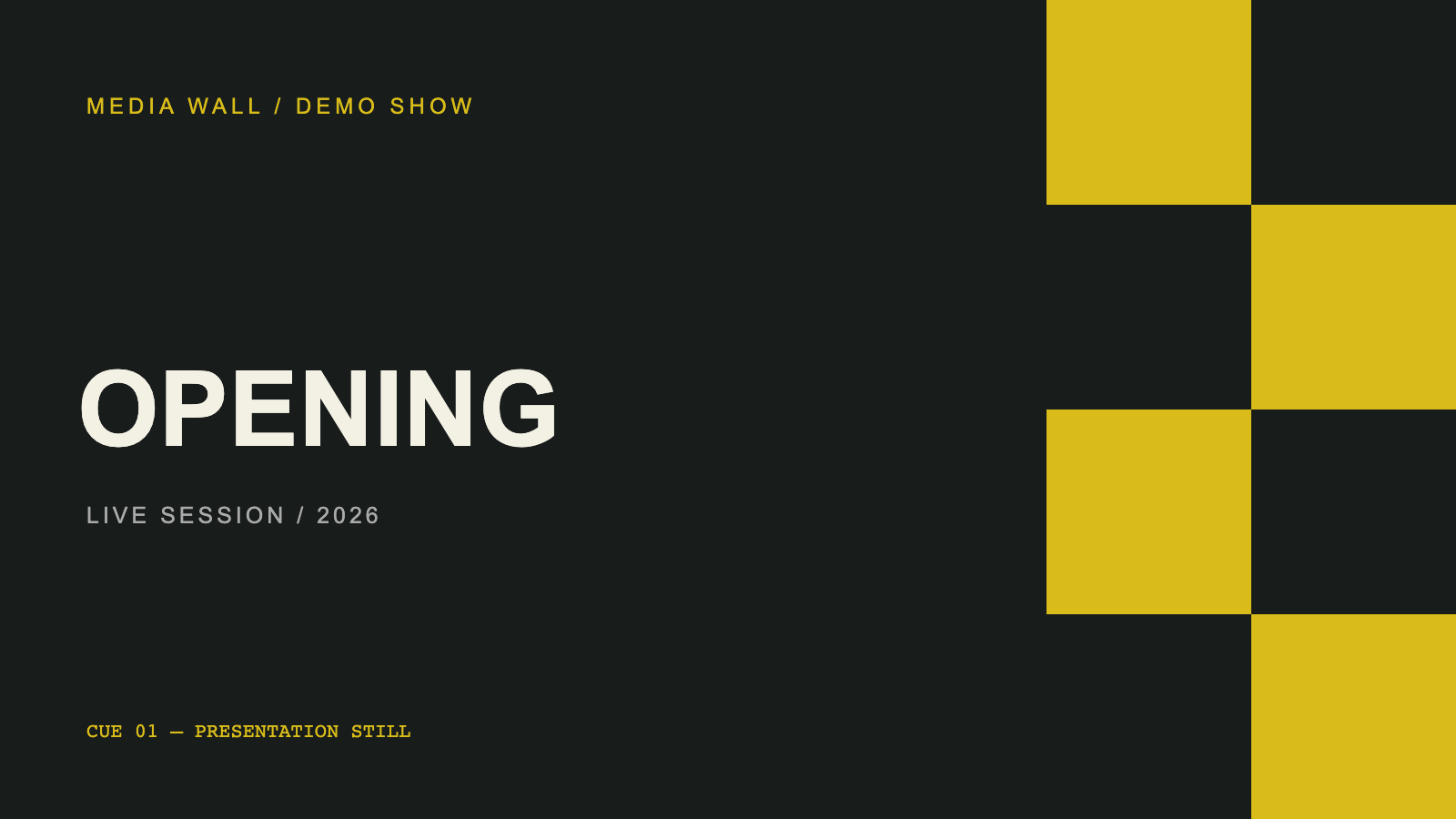 Your audience sees the content.
One grid for videos, audio, images and PDF pages.
Use the waveform to choose your start and end points.
See the same program content as your audience.
A quick visual guide using the current app. Start with your files; finish with a separate audience display.
Drop multiple files into the grid at once. Arrange them in show order and use tile colors to find the right cue. PDFs become individual page tiles.
 IN POINT → PLAYBACK RANGE → OUT POINT
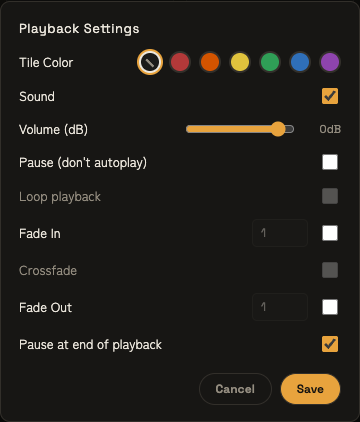
Set in/out points on the waveform to play just the range you need. Adjust volume and fades for each tile before the show.
Move the program-monitor window to your audience display. Your controls stay with you; the on-screen preview mirrors the same program output.
Take the cues yourself, run a sequence, or get the files ready.
For a prepared run of media or a repeating display, use automatic setlist playback.
End-stop must be off to enable a tile’s loop or crossfade.
Media Wall was created by a working video operator — and used by its creator on live-event jobs.
The focus is the work itself: organize the files, prepare their playback, and stay in control of when each cue starts.
Developed by helocdesign. Built around the work behind the show.
A pop-up exhibition. A gallery opening. A small creative space.
Keep your media close, wherever the next cue takes you.
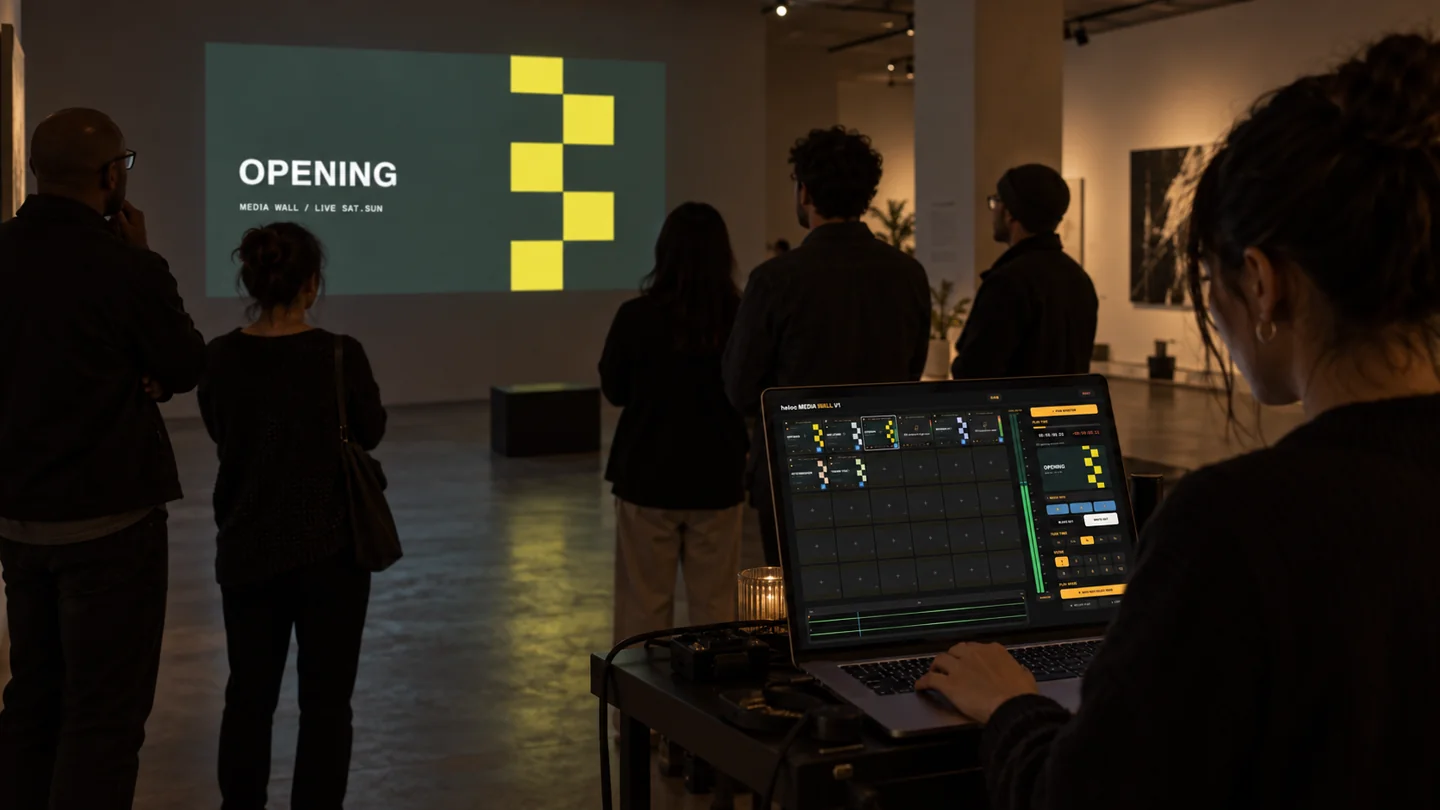
Check the playback environment, your media, and the display setup before a show.
仕様欄は提供資料に基づく仮案。対応OS・Mac・コーデックは製品版で検証後に確定します。
DESIGN PLACEHOLDERSFictional names and sample quotes for layout review. These are not real customer endorsements.
“When the running order changes, I want the next clip in sight. Having the media laid out as tiles would fit the way I work at the playback desk.”
“Selecting a file without immediately playing it is the kind of detail I look for. I need to prepare the next cue and start it at the presenter’s signal.”
“On a small crew, I handle several jobs. A prepared setlist on repeat would be useful for an exhibition, with manual playback available for a scheduled moment.”
Sample copy only · Replace with approved customer feedback before publication.
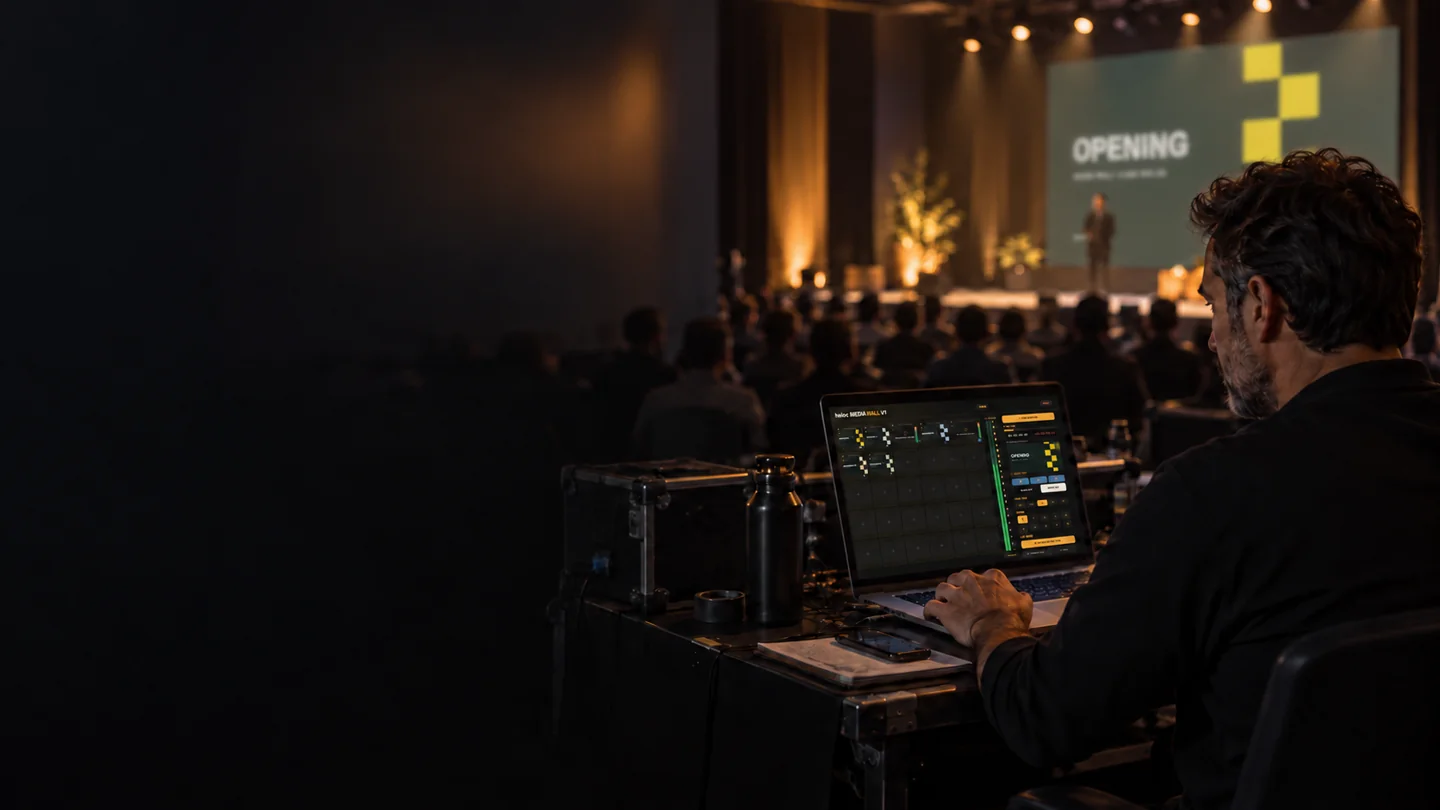
Prepare the workspace.
Stay close to the show.
A focused workspace for preparing and playing your event media.
購入後の導線は構成案です。価格・初期販売枠・サポート条件は検討中です。
このスケッチから購入や決済はできません。
MEDIA WALLLaunch offer
$35 USDOne-time purchase · 1 Mac
Planned regular price: $59 · Launch allocation TBC
The proposed license covers one Mac and continued use of the purchased version. Transfer, update, and support terms will be finalized before release.
The current manual lists video, audio, images, and PDF. The compatibility list for the release version is being prepared. Container formats alone do not guarantee codec compatibility.
The program monitor opens in a separate window that can be moved to your external display. The control interface stays on your operator screen. Its preview shows the same content as the program monitor, not a separate preview of the next tile.